 Tech Notes (Panel Edit)
Tech Notes opens a text entry dialog that allows you to record technical notes on the editor. It could be used to record any information you wish such as:
| • | include a "to do" list for editor completion |
| • | notations on the use function of each global variable |
| • | notations on errors in the SysEx documentation |
| • | notations on the purpose of each of the global macros |
| • | and so on |
Directions:
To create notations on the editor:
| 1. | Choose Editor/Panel Edit to place the Editor in Panel Edit mode |
| 2. | Right click and choose Tech Notes from the popup menu |
| 3. | Make the desired changes |
| 4. | Press the OK button to accept them |
The Tech Notes Dialog
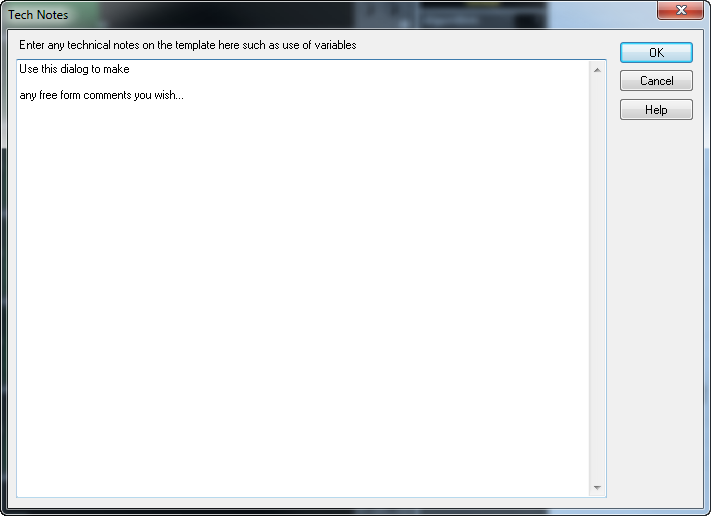
Use the dialog to make any notes you wish and press the ok button when you're finished.
Available in:
Midi Quest Pro |
|
Midi Quest |
|
Midi Quest Essentials |
|
Midi Quest one |
|

